

- comparisons
- glimpse
wiggle together and glimpse.
both put your people on your Home Screen, and neither has a feed. one is photos, one is doodles. here's what each is for, from each app's own store page, read 2026-10-25.
what glimpse is
Glimpse: Friends Photo Widget, by Appiverse Studio Llp, is in the App Store's Photo & Video category, for iPhone and iPad. its store page says it puts your friends' photos live on your Home Screen, with no feed, no likes and no endless scroll: it turns a photo into a print that lands on your friends' Home Screens. (its App Store page, read 2026-10-25.)
what wiggle together is
a cozy doodle app for iPhone and Android. you draw in black pen, fold the doodle into a paper plane and throw it to a moon you share with one friend. they color it in, and every line keeps wiggling. a small Home Screen widget shows the moon's latest doodle, your friend's name and the streak. it's free, with no ads and no subscriptions.
when glimpse is the better pick
- you want photos. glimpse is made for pictures. wiggle together has no camera; you draw.
- you want several friends on one widget. its page talks about friends. a moon is for exactly two.
- you use an iPad. glimpse lists iPhone and iPad. wiggle together has no iPad app.
when wiggle together is the better pick
- you'd rather draw than snap. one of you draws in black pen, the other colors it in.
- you want them to stay. doodles pile up on the moon you share, still wiggling.
- you'd like a stranger to color one, too. throw a doodle into space and someone you don't know catches it and colors it in. you catch theirs.
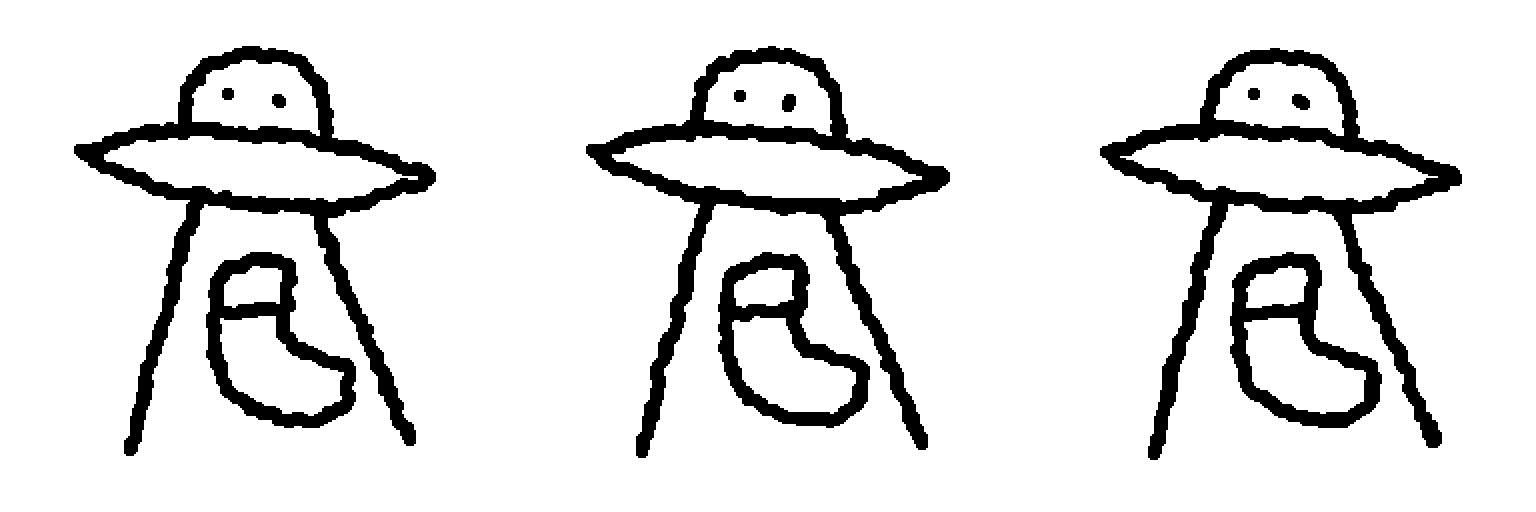
draw one for someone
in wiggle together you draw in black pen, fold the doodle into a paper plane and throw it to a moon you share with one friend. they color it in, and every line keeps wiggling.

